

You're on the road to selling more cars and we're here to accelerate your success with key resources.


Activate your Dealer Dashboard with the help of your Account Manager.

Add all important dealership contacts in the ‘Settings’ tab of your Dealer Dashboard.

Set up your billing and payment information in the ‘Billing’ tab of your Dealer Dashboard.

Download our Dealer app to manage your inventory and leads on the go.
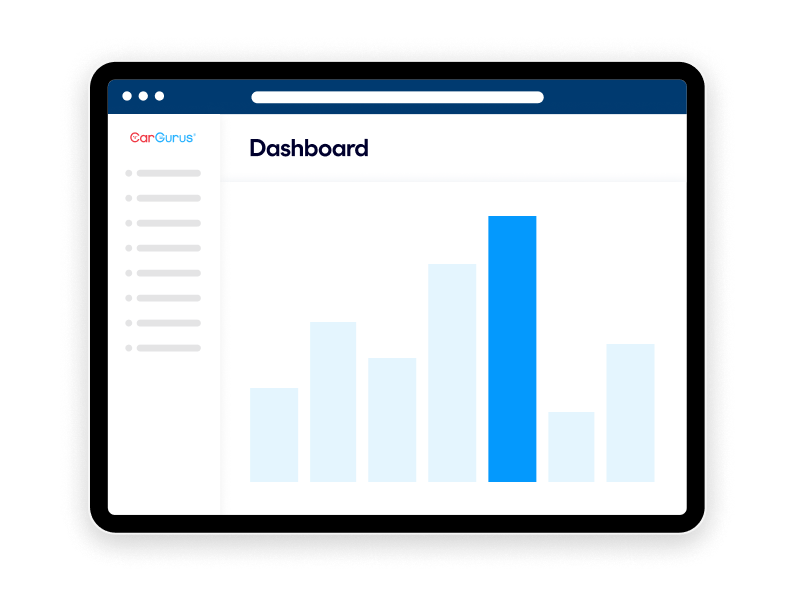
The Dashboard is your hub for accessing leads and inventory. Watch this short video to learn the basics and start exploring today.
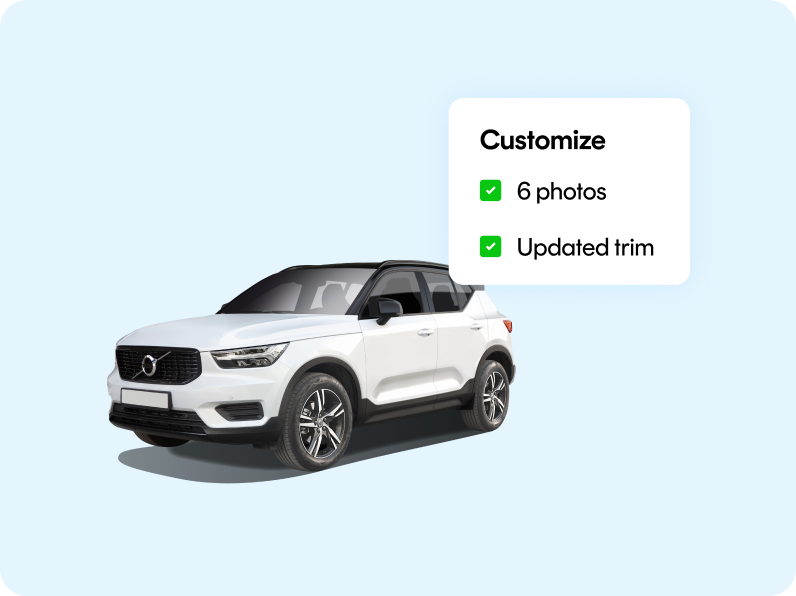
Update your vehicles to include photos, trim, and options in the Dealer Dashboard and your IMS. Adding at least 1 photo results in 72% more leads than listings with no photos1. Plus, sign up for our Merchandising Health report to get notified when listings are missing key details.
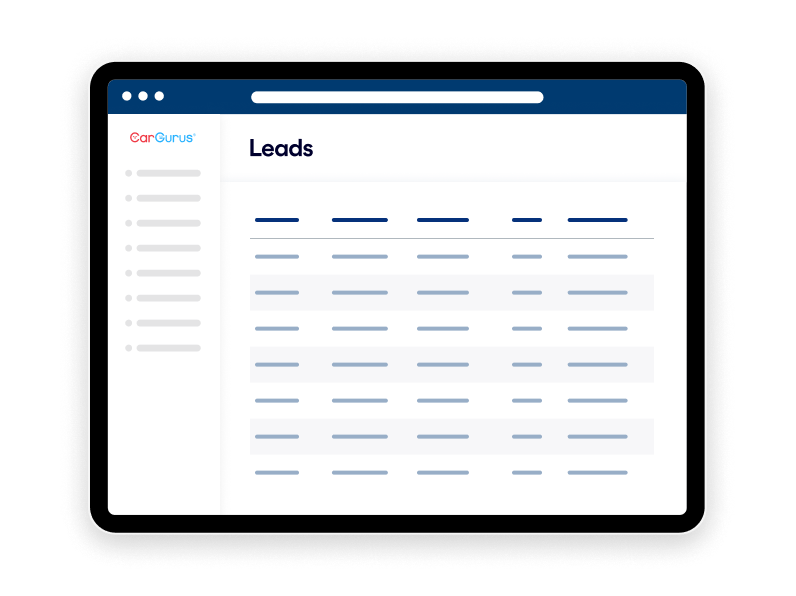
View your leads in the Dealer Dashboard to see which are the most engaged, helping prioritize your follow-up’s. To receive new lead notifications, make sure you add all relevant emails in the ‘Settings’ tab.
among listings sites1
most visited listing site2
of US car sales are influenced by CarGurus3
Contact your Account Manager, or call 617-245-8318 for help getting started and to learn how to make the most of your CarGurus package.